



Working from home sounds great until your screen feels too small. You often find yourself buried under twenty different open browser tabs. It is hard to stay focused when you have to keep clicking around constantly. Navigating through multiple windows can make your digital life feel very messy. A clean workspace is the key to finishing your professional tasks quickly.
Managing several projects at once requires a lot of digital screen space, and most standard laptops do not offer enough room for complex daily workflows. This is why many remote professionals are looking for better hardware solutions. Adding a second monitor can transform your tiny desk into a powerhouse. You will notice an immediate difference in how you handle your data.
How a Laptop Screen Extender Boosts Your Remote Productivity
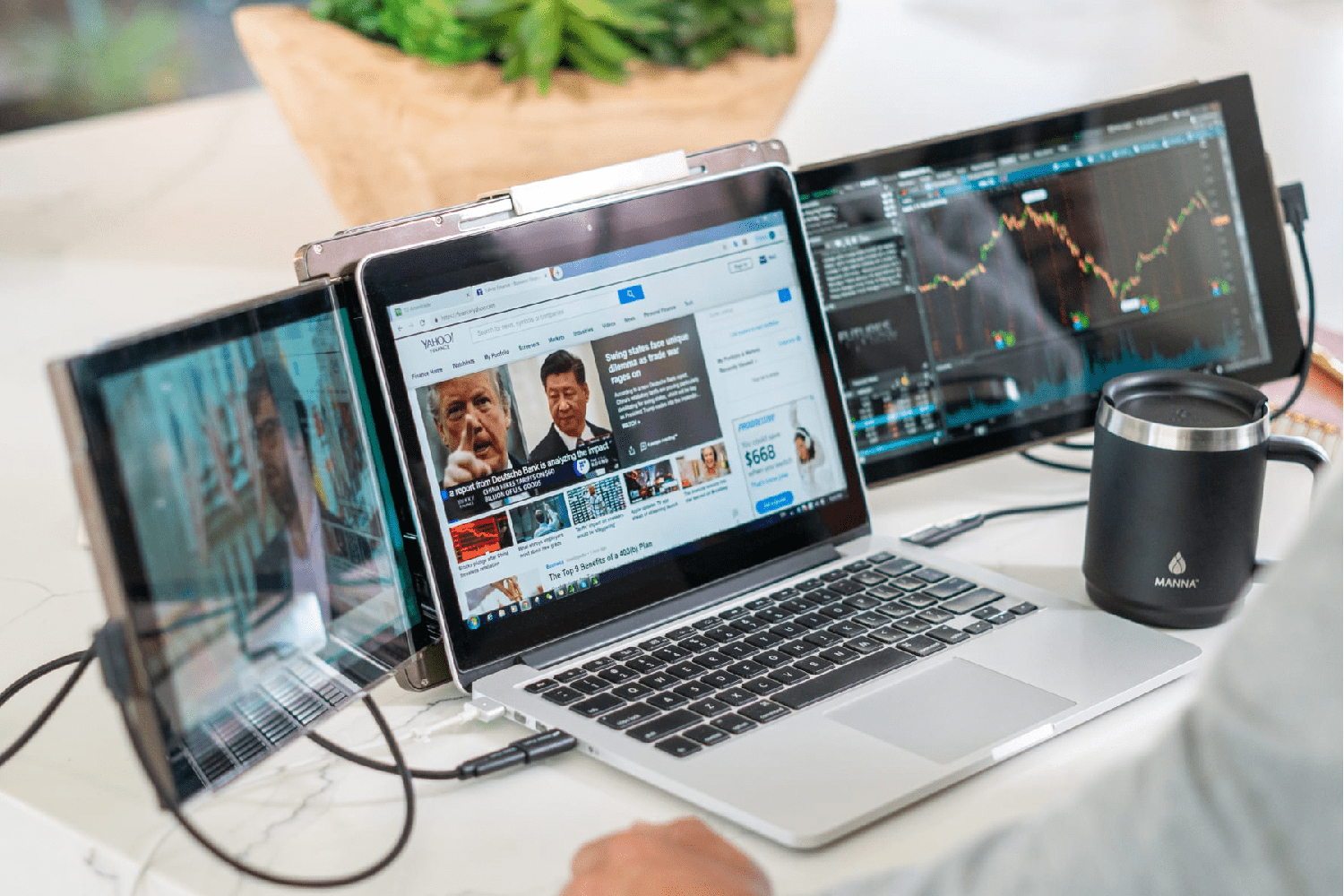
A laptop screen extender helps you see everything at a single glance. You can stop minimized windows from hiding your most important daily tasks. This tool creates a wider digital workspace for your busy home office. If you need more room, buy the Mobile Pixels Trio laptop screen extender. It allows you to expand your view without taking up extra desk space.
Why is Tab Switching Ruining Your Workflow?
Constantly switching between apps can make your brain feel very tired daily. Research shows that every interruption costs you several minutes of deep focus. One screen holds your video call while the other displays your notes. This simple layout keeps your mind sharp and your eyes focused. You will feel less stressed when your digital tools are organized well.
Many people find that a dual-screen setup increases their overall speed significantly. You can monitor your email while you write a long project report. Designers can keep their palettes on one side and their canvas elsewhere. Accountants can view large spreadsheets without zooming out to see the rows. Having these visual resources open at once saves you a lot of time.

Staying Organized while Working from a Coffee Shop
Remote work often means taking your office to a local neighbourhood cafe. Lugging a heavy monitor around is not a realistic option for anyone. A portable dual-screen setup fits right inside your standard laptop carrying bag. You can set up a professional workstation on any small wooden table. This flexibility allows you to stay organized even when you are travelling.
Most modern extenders are very lightweight and easy to carry every single day. They attach directly to your laptop lid with safe, strong magnets. You can slide the extra screen out whenever you need to work. This design makes it ideal for digital nomads. So, you don’t need to hunt for a wall outlet for power.
Better Posture and Focus for Long Work Days
Hunching over a tiny laptop screen is bad for your neck health. A second display encourages you to sit up straight and look forward. You can organize your references on the side to avoid constant scrolling. This ergonomic upgrade makes your long work hours feel much more comfortable. Having more screen real estate truly changes the way you finish projects.
Setup is usually very simple and only requires one USB cable. You do not need to be a technical expert to install it. Most devices are plug-and-play for both Windows and Mac users. This means you can start being more productive in just a few seconds. It is a small investment that offers a very high daily return.
Wrapping Up
Investing in your home office setup with Mobile Pixels is a very smart career move. A laptop screen extender provides the clarity you need to succeed daily. Enjoy a cleaner desktop and a much faster way to get things done. You deserve a workspace that supports your hard work and big goals. Start organizing your remote life today with this powerful and portable tool.